Diddy Kong Racing on PC: which recomp or port is best?
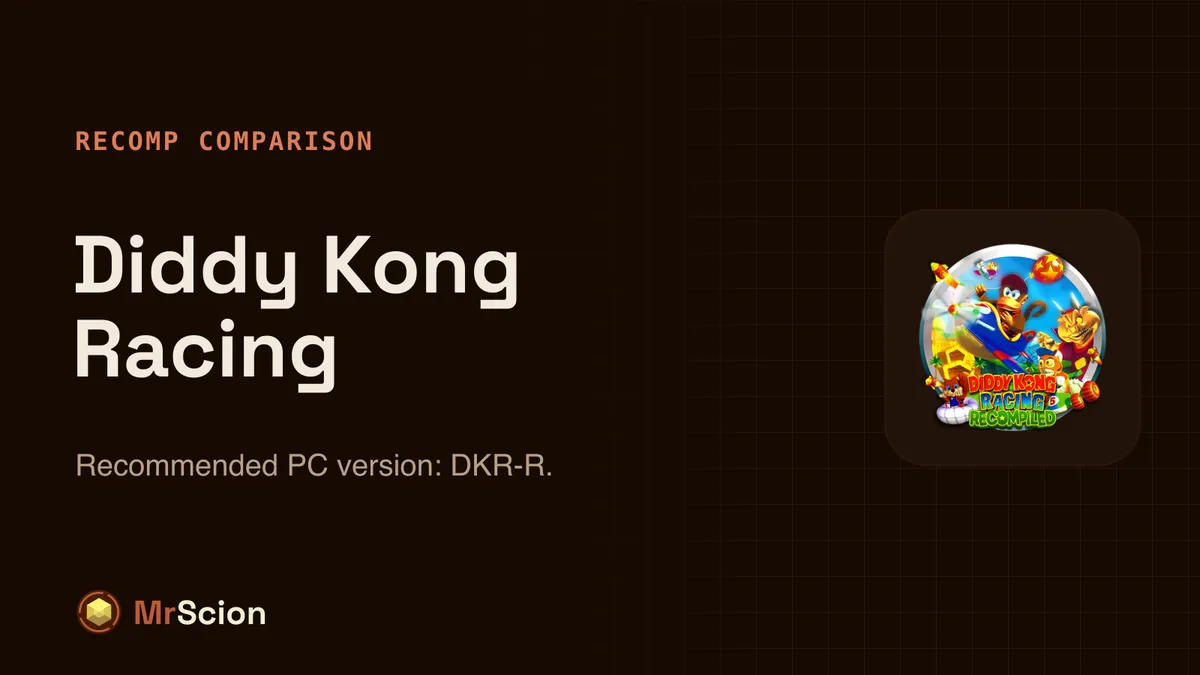
We compare the 2 PC versions of Diddy Kong Racing (Nintendo 64) on graphics, player reports, completeness and upkeep. Our pick: DKR-R.
Key facts
- Recommended PC version of Diddy Kong Racing: DKR-R, a native port by ThatGuyMcd.
- 2 PC versions compared; the recommended one scores 63.9/100.
- Features: 16:9 widescreen, unlocked frame rate and achievements.
- Player reports on Quiver: 5 players say it works and 2 report issues.
- You need your own copy of the original game; no ROMs or ISOs are linked here.
- Original platform
- Nintendo 64
- Platforms
- Windows
Diddy Kong Racing first came out on Nintendo 64, and today it can be played natively on PC thanks to fan projects: recompilations, decompilations and ports that rebuild the game for Windows and add things the original never had. There are 2 of them in Quiver’s catalog, and they aren’t all equal.
The options
| PC version | Score | Player reports | Graphics & features | AI use | Links |
|---|---|---|---|---|---|
| DKR-RRecommended ThatGuyMcd · Version Version1.0.15 | 63.9 | 5 works · 2 issues · 0 broken | 16:9 widescreen, unlocked frame rate, achievements | AI-assisted | QuiverGitHub |
| Golden Balloon akratch · Version v1.8.0 | 60.1 | 5 works · 0 issues · 0 broken | 16:9 widescreen, unlocked frame rate, mod support | AI-assisted | Quiver |
Verdict
DKR-R ticks the most boxes: achievements, HD packs, a modern mode with higher resolution and aspect ratio, online play and split screen; one player runs it at 4K and 120 FPS. The downsides: its README admits some unresolved crashes, and there have been reviews of freezes at the end of a race (v1.0.6) and out-of-sync audio (v1.0.15). Golden Balloon, a decompilation, is the more stable alternative (five good reviews, no bad ones), with widescreen that keeps the original field of view, three extra racers and its own textures and music, but no achievements.
Before you start
- You need your own copy of the game. These projects don’t include the game’s data: they read it from a copy of the original that you provide. MrScion never links ROMs or ISOs.
- The easiest way to install it is Quiver Launcher, which downloads, sets up and updates recomps and ports, and is where the player reports in the table come from.
- How the scores work and the other games compared: all recomp comparisons. Data from Quiver’s catalog, reviewed on 17 November 2026.
Frequently asked questions
What is the best way to play Diddy Kong Racing on PC?
Right now, DKR-R. It came out on top among 2 PC versions on graphics, player reports, completeness and upkeep.
Do I need the original game?
Yes. Recomps and ports only replace the game's code; the graphics, sound and levels come from your own copy of the original game, which you have to provide.
How are the scores calculated?
Graphics and features 30 points, player reports on Quiver 30, playable from start to finish 20, maintenance 15 and achievements 5. Only Windows versions are counted.
Official downloads
Always download from the official sites below.
- Quiver Launcher — free launcher that installs and updates recomps and ports
- DKR-R (source code)
Related articles
Comparisons
Banjo-Kazooie on PC: which recomp or port is best?
We compare the 3 PC versions of Banjo-Kazooie (Nintendo 64) on graphics, player reports, completeness and upkeep. Our pick: Lighthouse.
· Windows
Comparisons
Blast Corps on PC: which recomp or port is best?
We compare the 2 PC versions of Blast Corps (Nintendo 64) on graphics, player reports, completeness and upkeep. Our pick: Power Dozer.
· Windows
Comparisons
Donkey Kong 64 on PC: which recomp or port is best?
We compare the 2 PC versions of Donkey Kong 64 (Nintendo 64) on graphics, player reports, completeness and upkeep. Our pick: DK64 Rekongpiled.
· Windows